

- Developer
- Microsoft Corporation
- Installs
- 100M+
- Downloads
- 0
- Views
- 1
- Updated
- Oct 22, 2026
Screenshots


About Microsoft Authenticator
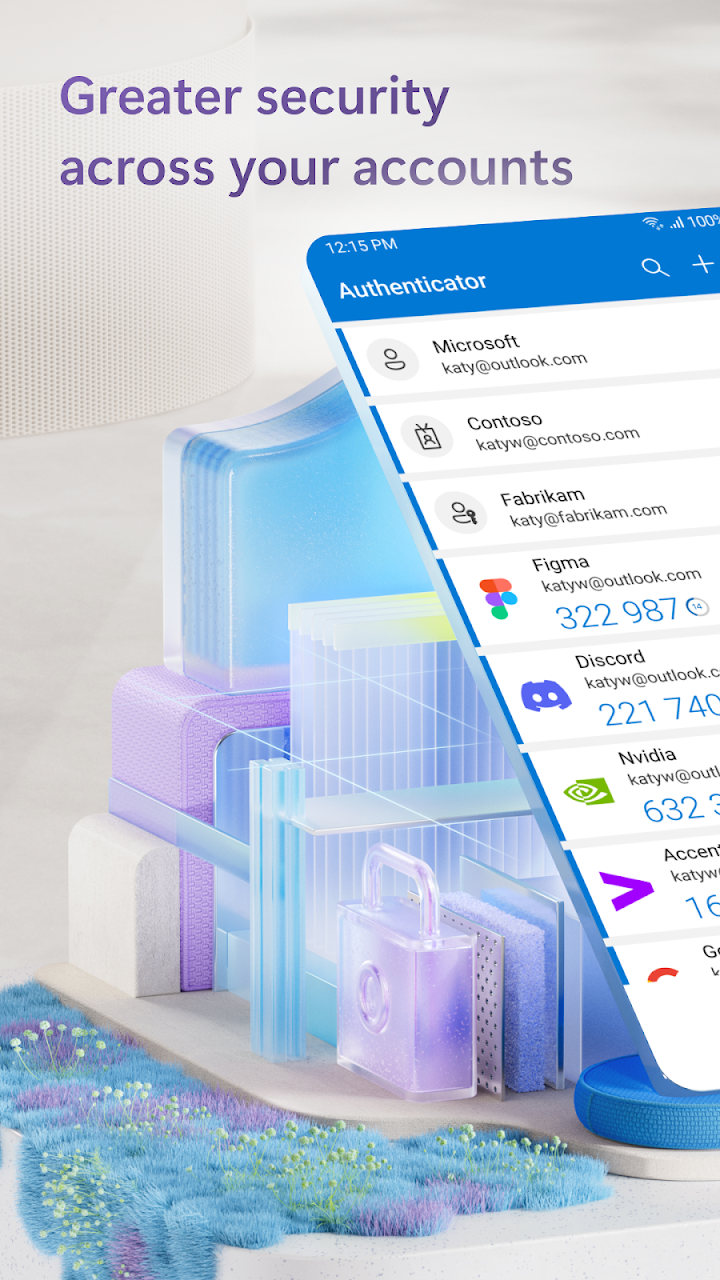
A password alone is one stolen leak away from useless, and this app adds the second proof. Microsoft Authenticator handles multi-factor sign-ins two ways: approve a notification with a tap, or type the one-time code it generates — a number on a 30-second timer, so it's never the same twice and never worth memorizing.
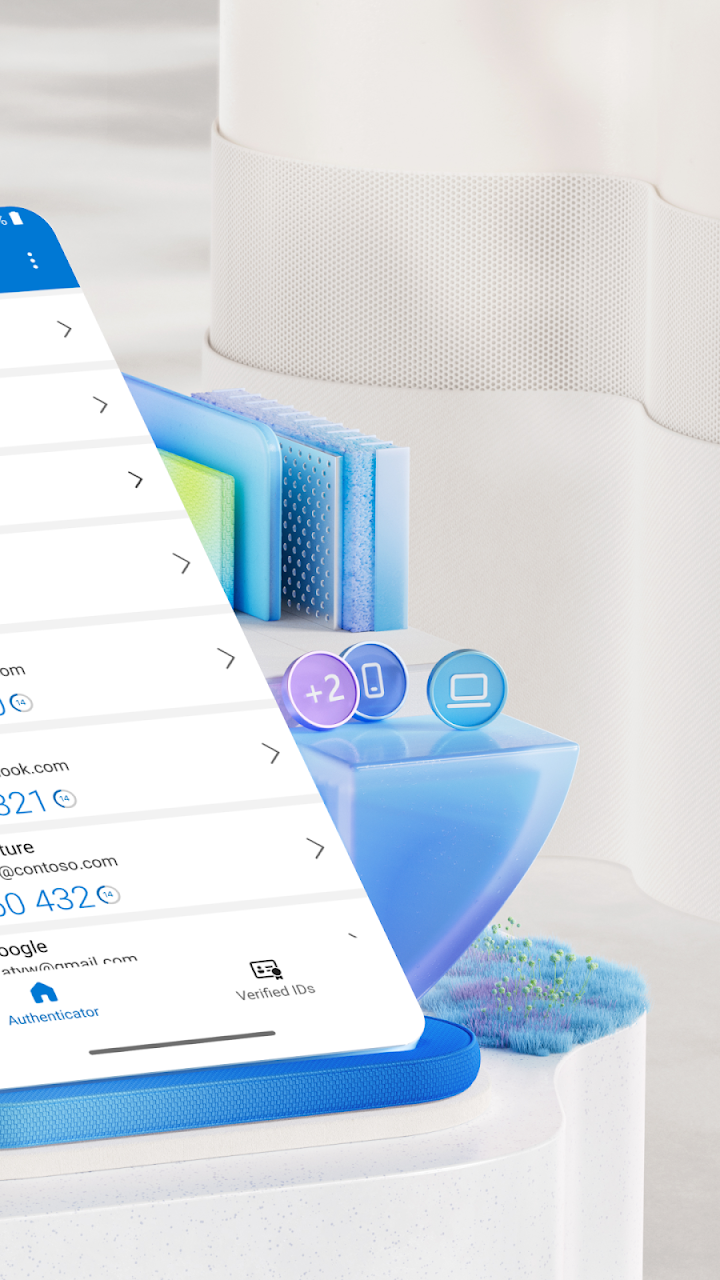
The codes deserve a note: they're time-based, generated on the phone itself, and they work with no network connection at all — airplane mode, dead zones, wherever — without draining the battery. You can register many accounts in the one app, and not just Microsoft's: Facebook, Amazon, Dropbox, Google and GitHub logins are named as supported examples.
For Microsoft accounts it can go further and drop the password entirely: enter your username, get the prompt on your phone, approve, and you're in. Personal, work and school accounts all live here — many employers and universities require this exact app before letting you near their resources — and Microsoft accounts get extra management options alongside the codes.
Setup is the familiar QR scan when adding an account, and the permissions are optional and consent-based: camera for those QR codes, location only when an organization checks it before granting access, storage only if you report a technical problem. It's a small, single-purpose app, and that's the right shape for the thing guarding everything else.