

- Developer
- Banix Studio
- Installs
- 500K+
- Downloads
- 0
- Views
- 3
- Updated
- Oct 22, 2026
Screenshots
About Draw Music: Sketch to Sound
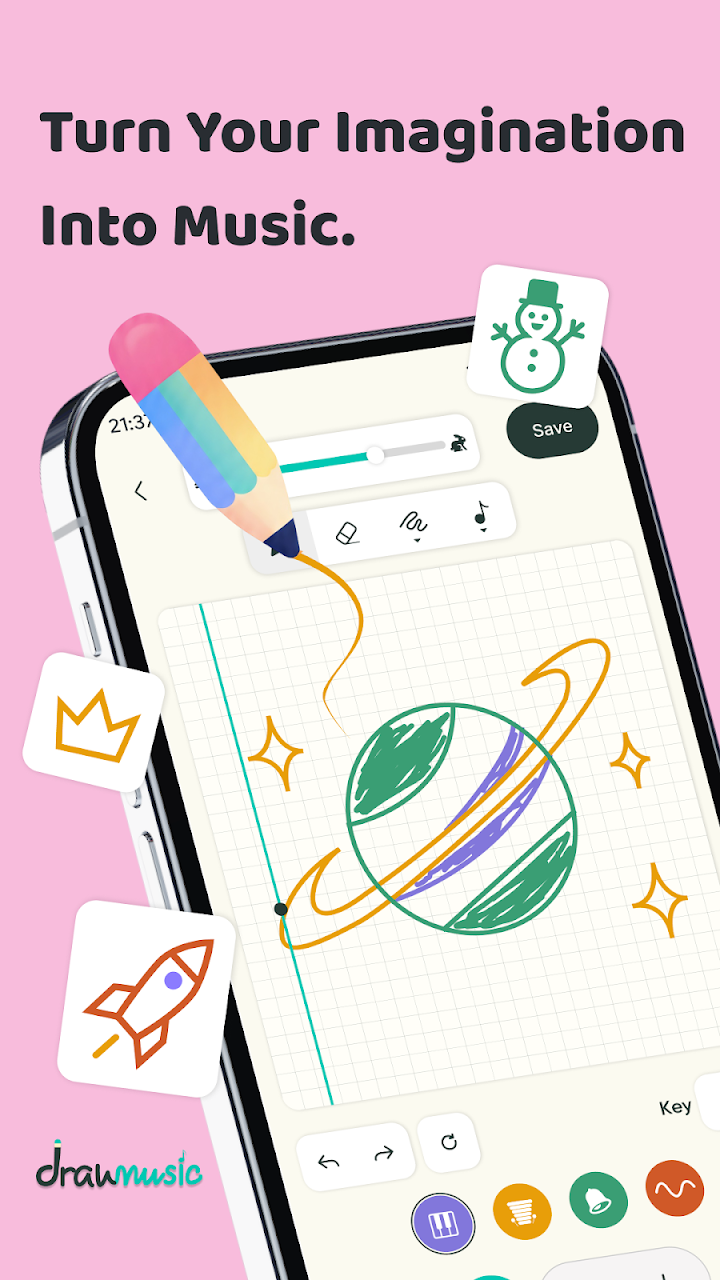
Regulars in this catalog will feel a jolt of recognition: this is the second draw-a-melody app here, built on the same lovely trick — an invisible 32-by-20 grid under a drawing canvas, time running left to right, pitch bottom to top. Banix Studio's Draw Music is the bigger, more polished sibling: 500K+ downloads and a 4.3 rating, against Doodle Pad's smaller footprint.
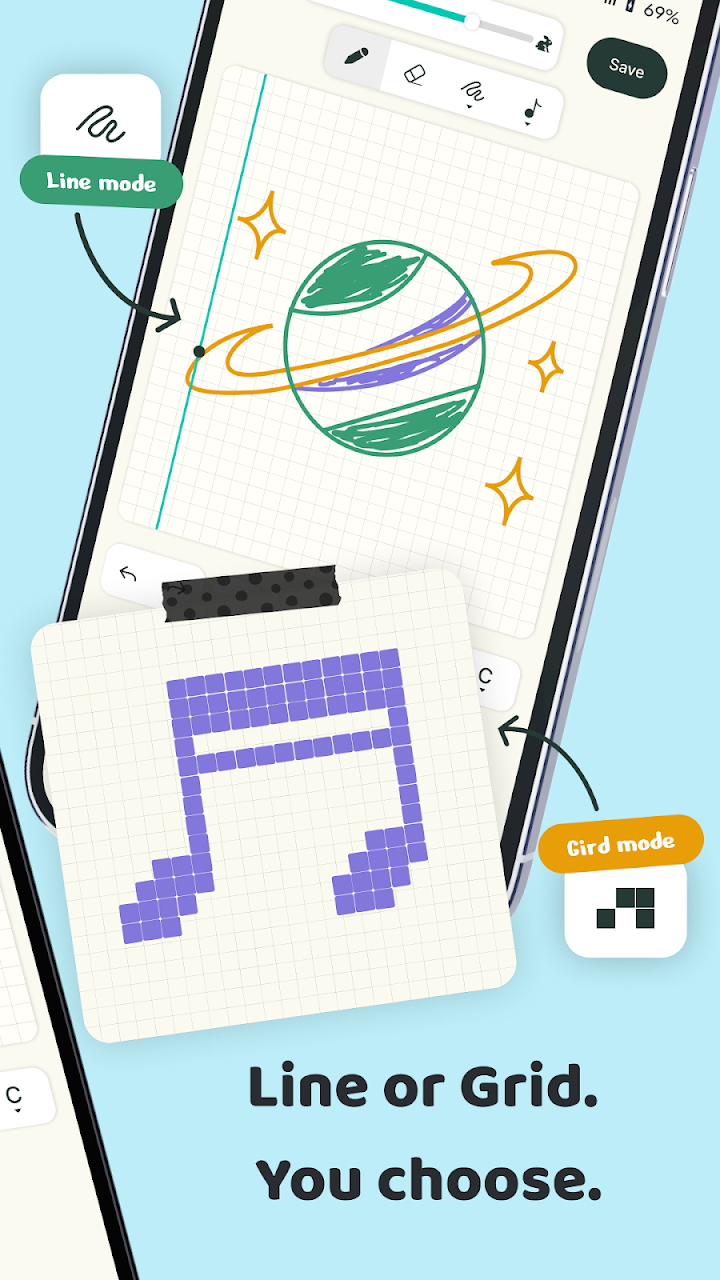
The mechanics are joyfully idiot-proof. Draw any stroke — straight line, curve, scribble, scattered dots — and strokes snap to the right grid cell, right on the beat, then to the scale you've chosen (Pentatonic, Major and more), so there is no wrong note to hit. Hit Play and the sketch sings as its own musical phrase.
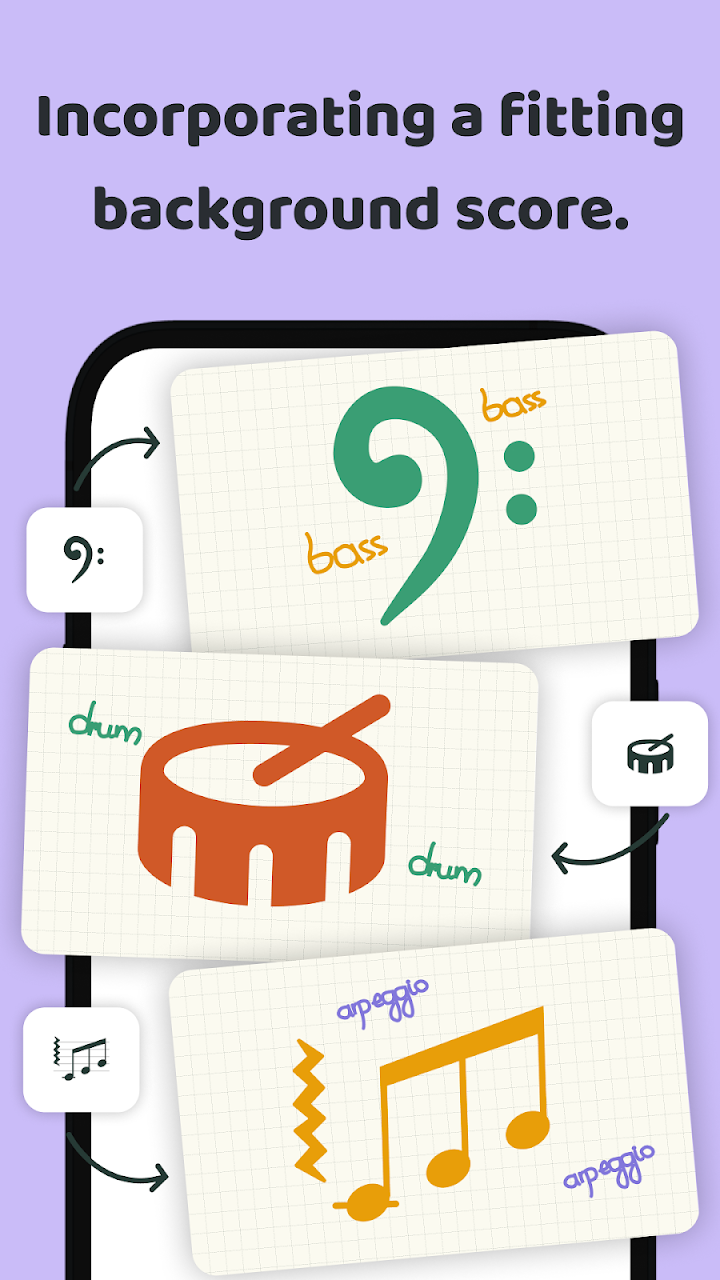
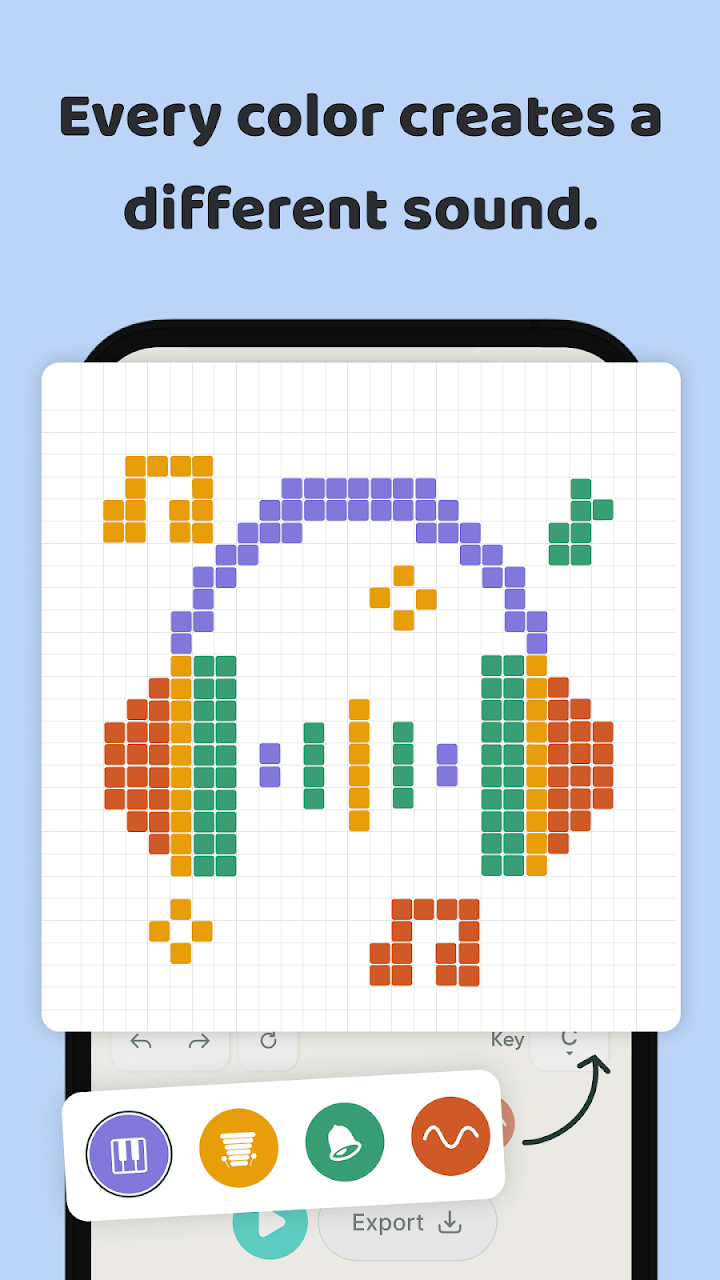
Four instruments come as four signature colors: Soft Key with its warm electric-piano tone, an earthy Marimba, and two more to discover, letting layered drawings carry several voices at once. A template library (birds and other ready shapes) answers the blank canvas, grid cells can be toggled visible to see exactly which notes you've drawn, and Undo steps back stroke by stroke.
Two technical boasts deserve repeating because they're checkable: every sound is synthesized on-device from pure math — no sample files — and the app works 100% offline, no internet needed. Finished sketches export to WAV audio usable anywhere. Whether the two apps share an ancestor is beyond this page's evidence; judged alone, this is the draw-music idea at its most complete, aimed at beginners and idea-sketching producers alike.