

- Developer
- BigSoft inc.
- Installs
- 10K+
- Downloads
- 0
- Views
- 1
- Updated
- Oct 22, 2026
Screenshots

About Draw Music Maker: Doodle Pad
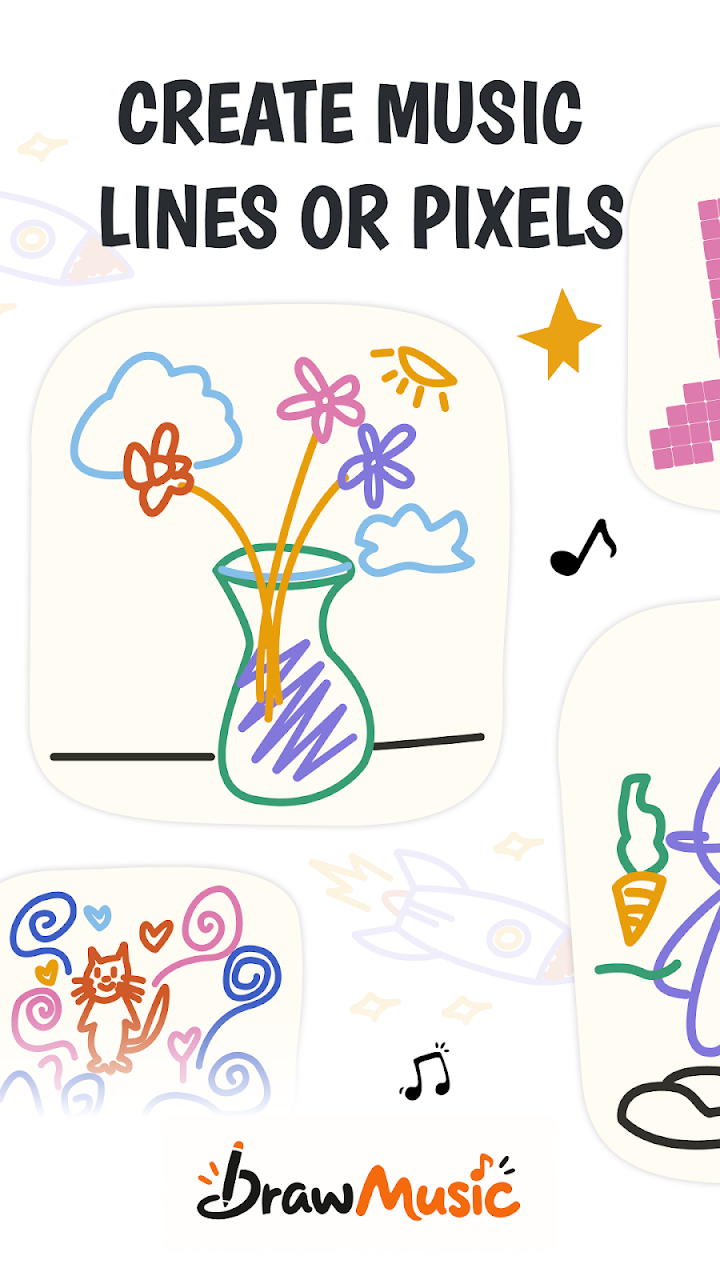
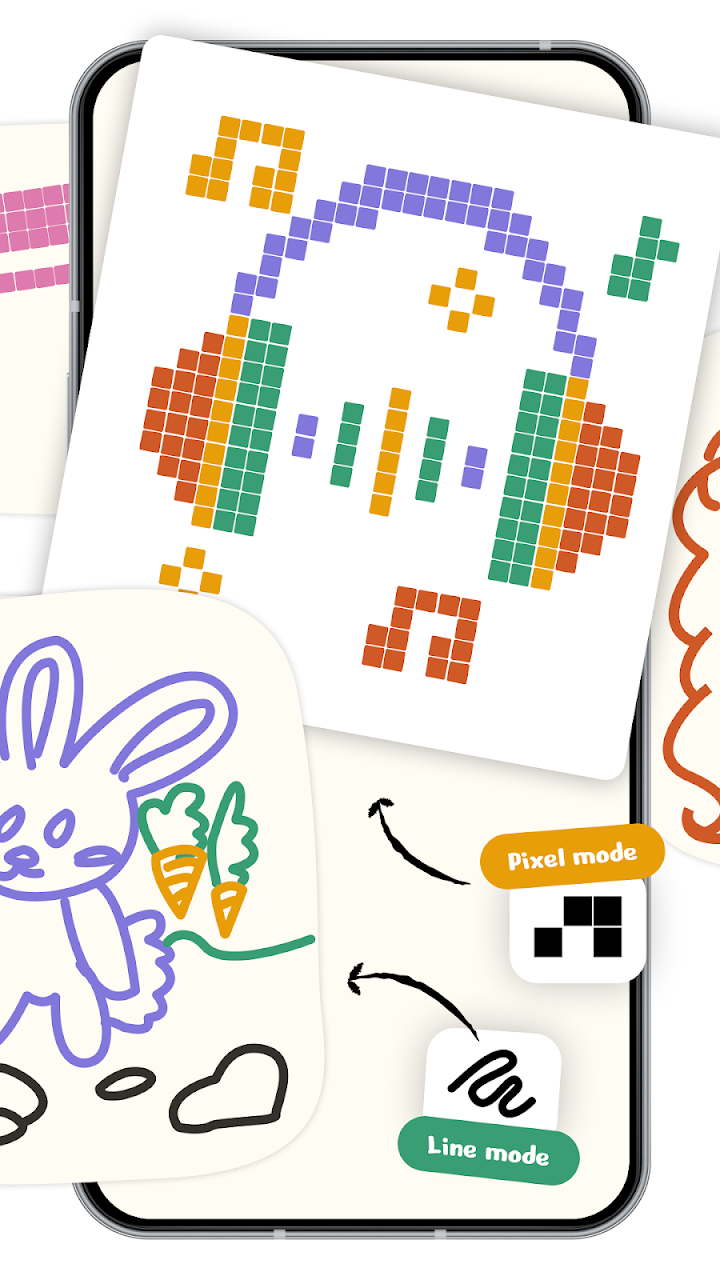
The piano roll is the least inviting object in music software, so this app hides it inside a drawing. Sketch a stroke — a wave, a zigzag, a spiral, a cat — press Play, and the line plays back as a melody: the higher your line sits, the higher the note; the further right it runs, the later it sounds.
Underneath, the canvas is a 32-by-20 grid — time across, pitch up — but the trick that keeps it friendly is that every note is matched to the current scale. Draw it 'wrong' and it still lands in key. Mood is three dials away: the root note (12 choices) lifts or lowers the whole piece, the scale swaps between Pentatonic, Major, Minor and friends, and tempo slides from 40 to 240 BPM — slow ballad to dance track.
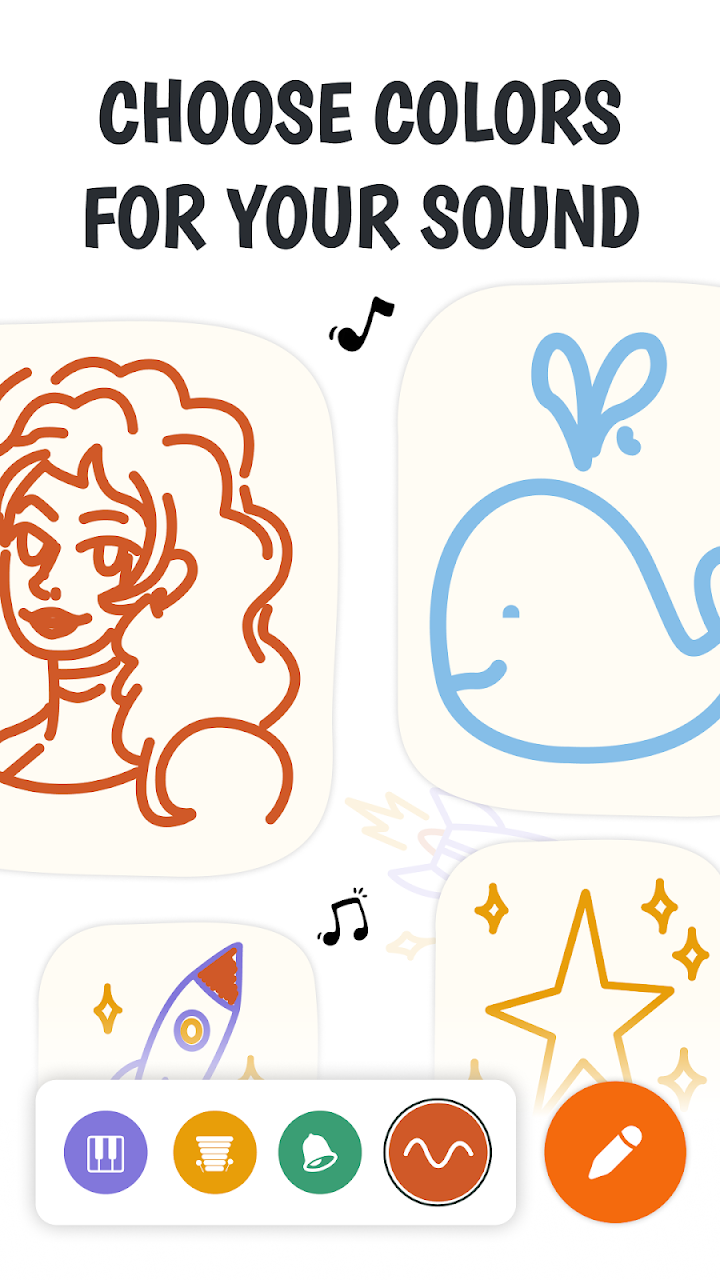
Instruments arrive as ink colors: Soft Key's gentle electric-piano tone and a shelf of others, each with its own color, so several instruments can layer on one canvas in different inks. Blank-page fright is handled with a template library — pick one, hear it sing, then draw over it until it's yours. Undo works stroke by stroke, loop keeps the piece repeating while you tinker, and the whole thing works completely offline.
Finished pieces leave properly: export WAV for audio that plays anywhere (share it, set it as a tone) or MIDI to keep editing in real music software — which quietly makes this a sketchbook for actual producers, not just a toy. It's a small, new app (10K+ downloads, 3.4), aimed equally at first-time doodlers, kids meeting pitch and rhythm visually, and classrooms. As bus-stop creativity goes, this one produces evidence.