

- Developer
- Utility Apps Home
- Installs
- 100K+
- Downloads
- 0
- Views
- 1
- Updated
- Oct 22, 2026
Screenshots


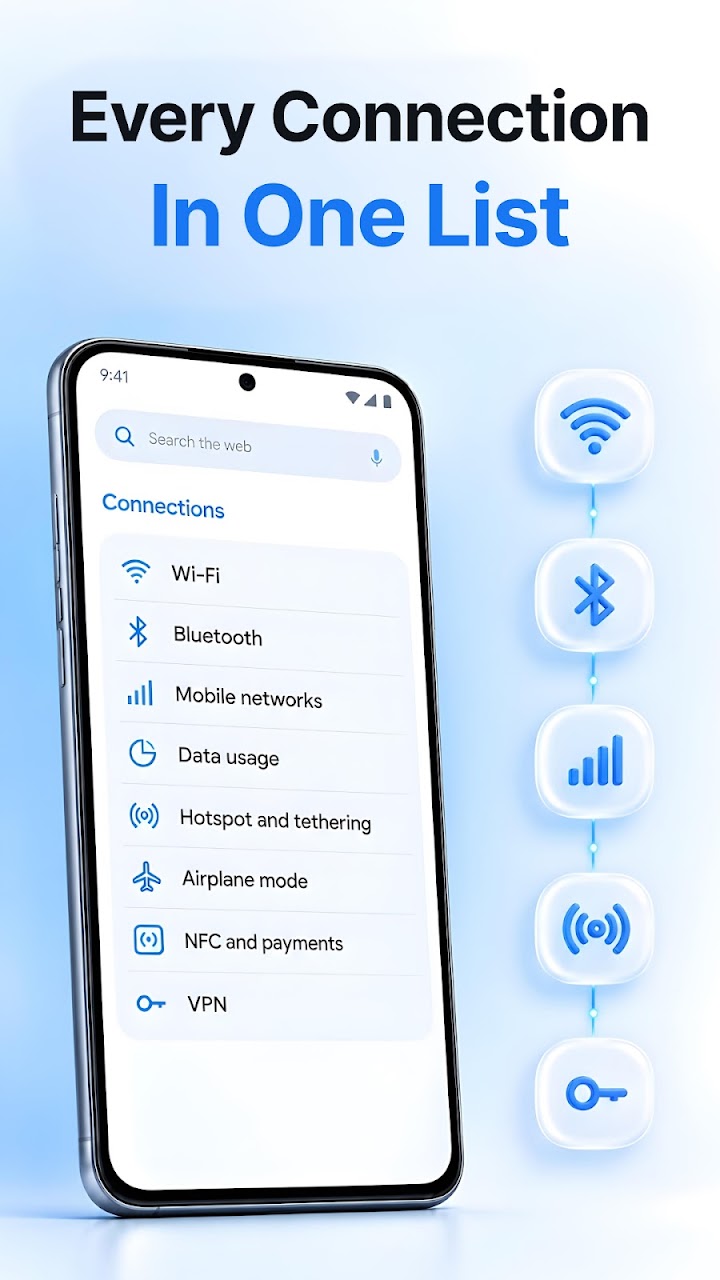

About Settings Home
Android buries its most-used switches three menus deep. Settings Home is a launcher with a different priority: it replaces your home screen with a control panel, so the settings you touch every day — Wi-Fi, flashlight, brightness, volume — are sitting there the moment you unlock the phone.
The centerpiece is a grid of 15 toggles, from Bluetooth, mobile data, location and NFC to dark mode, Do Not Disturb, battery saver and data saver. Each tile shows its real current state, so you can see what's on before tapping. Around the grid sit sliders for brightness and for media, ring, notification and alarm volume, a screen-timeout picker, and battery, storage and memory readouts at a glance.
For anything deeper, the launcher carries shortcuts to more than 30 system settings screens, grouped the way you'd expect — connections, sound and the rest — covering hotspot, data usage, VPN, accessibility, keyboard and date settings, with search to jump straight to the one you need.
It is still a launcher, so the usual furniture is present: a web search bar, a swipe-right feed of news and content, a clock and weather widget, and quick links to weather, wallpapers, notes and games. Setup means setting it as your default home app and granting the permissions you choose. For people who open Settings more often than any app, it's a sensible front door.