

- Developer
- Adobe
- Installs
- 100M+
- Downloads
- 0
- Views
- 1
- Updated
- Oct 25, 2026
Screenshots


About Lightroom Photo & Video Editor
Adobe Lightroom is a free photo and video editor that aims to make a good picture match the moment you remember. A dog's grin, a sunset, a portrait, a travel shot or a plate of food can all be sharpened up on the go, whether you are posting to a social feed or just keeping a memory tidy.
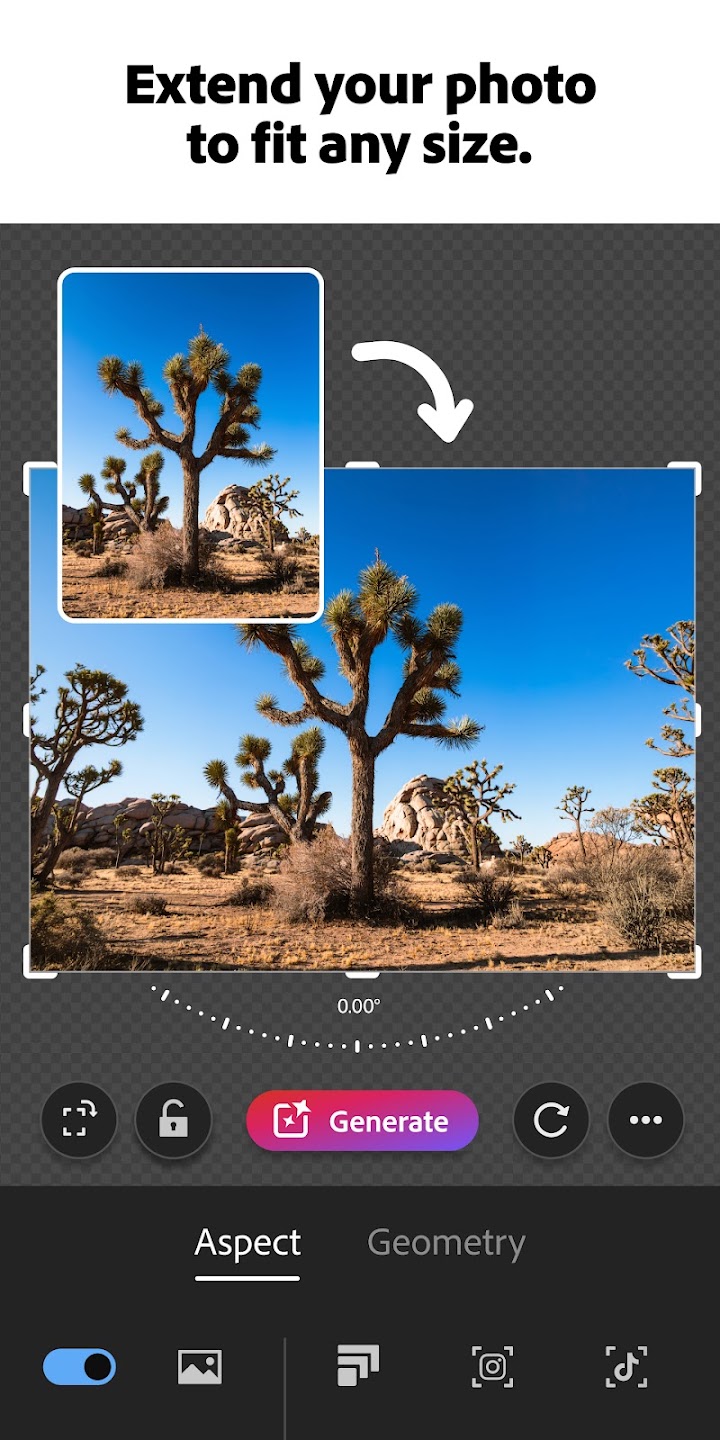
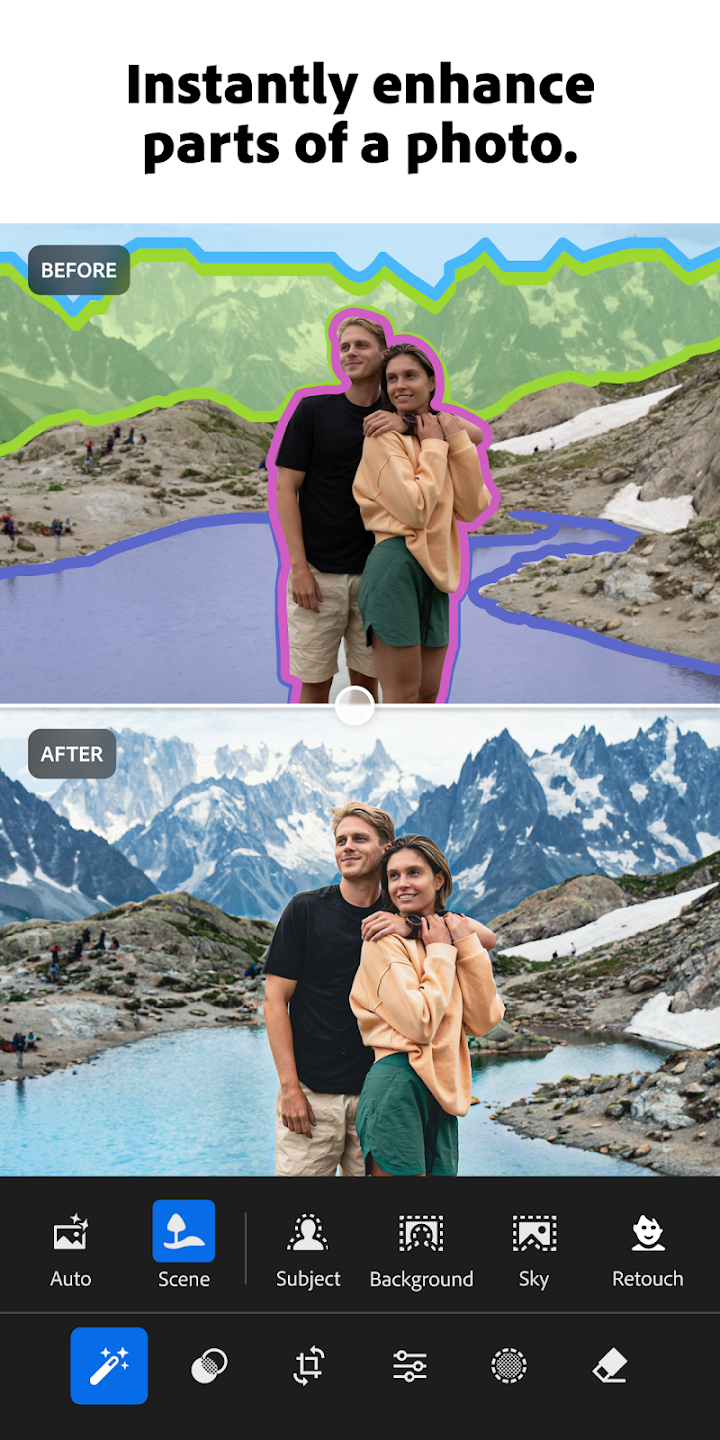
The controls stay approachable even when the results look professional. Adjust exposure, highlights and shadows, crop and resize, or brighten colors in a few taps. Quick Actions suggest edits tailored to the picture in front of you, while Adaptive Presets and new film filter presets give a whole set a consistent look, including a vintage feel if that suits the subject.
Two tools do a lot of the heavy lifting. Background Blur adds depth by softening what sits behind the subject, and Generative Remove takes out unwanted objects or distractions. The same ideas carry over to video, with tools for light, color and presets, so clips get the same treatment as stills.
Lightroom also helps when you are not sure where to start. Presets shared by creators around the world offer starting points to browse and adapt, and you can save your own signature look. Edits can be applied across a batch, useful after a concert, a travel day or a family gathering, instead of fixing each photo one by one. It is built for beginners, but it grows with you as you learn what each adjustment does.