

- Developer
- KineMaster, Video Editor Experts Group
- Installs
- 500M+
- Downloads
- 0
- Views
- 1
- Updated
- Oct 26, 2026
Screenshots
About KineMaster - AI Video Editor
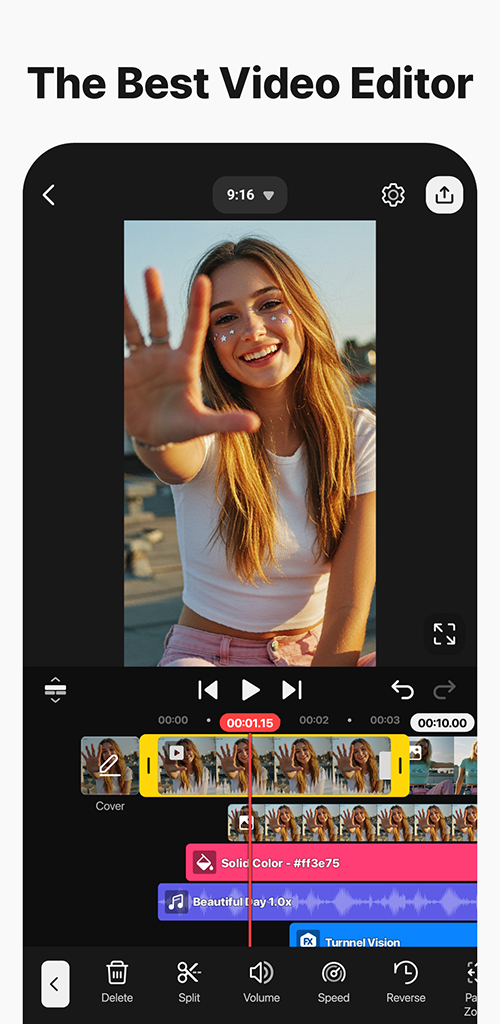
KineMaster is an AI video editor designed to turn clips and photos into finished videos more quickly, including Reels and Shorts. The listing presents it as a tool that does not require prior editing skills, with built-in AI handling several steps that a beginner might otherwise find slow.
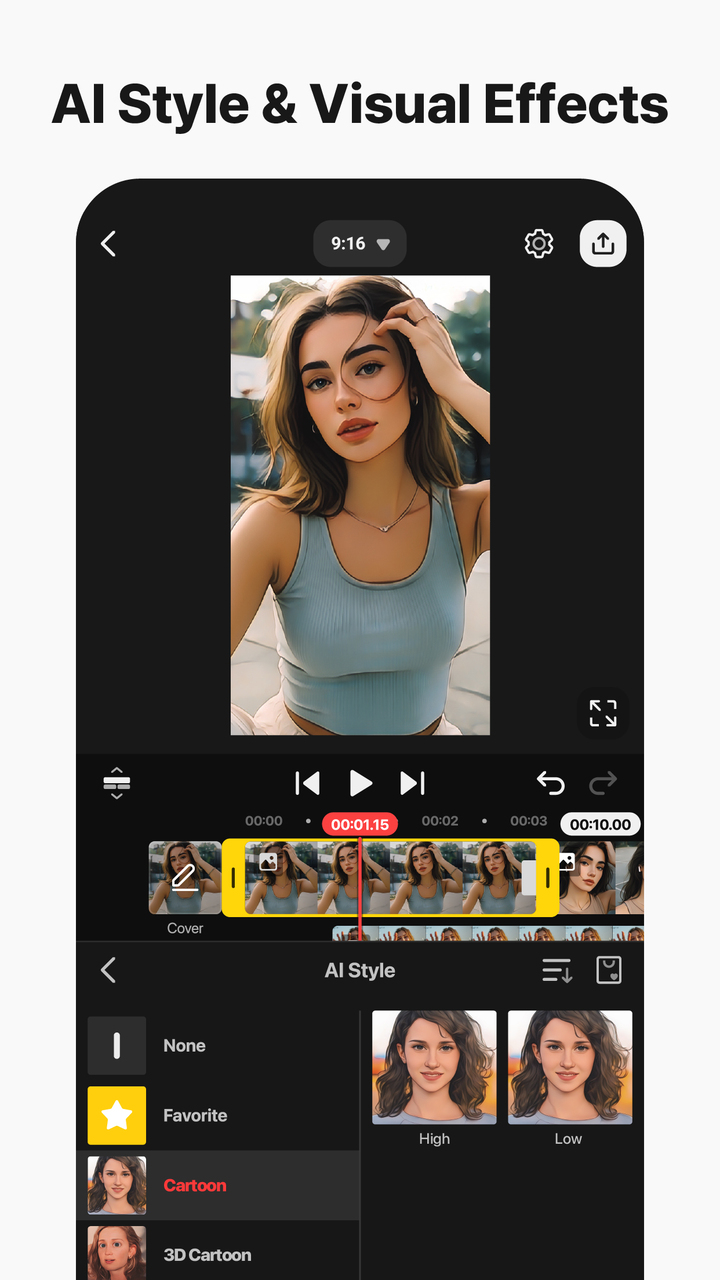
The AI set is wide. AI Auto Captions add subtitles from video or audio, AI Text-to-Speech creates spoken audio from text, and AI Voice changes the character of audio. AI Music Match recommends songs, AI Magic Removal cuts out backgrounds around people and faces, AI Noise Removal reduces distracting sounds, and AI Vocal Separator splits a song into vocals and music. AI Tracking makes text and stickers follow moving objects, AI Upscaling raises the resolution of low-resolution media, AI Style adds artistic effects, and AI Templates recommend a template for the next video.
Professional tools sit alongside the AI features. Keyframe Animation adjusts the size, position, and rotation of every layer, Chroma Key handles green screen work, and Speed Control covers reverse, slow motion, and time-lapse. Layers can stack photos, videos, and GIFs, editing works in portrait or landscape, and tablet and Chromebook support is optimized for wide screens. Magnetic Guides align elements and snap layers to the timeline, full-screen previews show edits before saving, and multi-selection, multiple undo and redo, and project transfer between devices are also included.
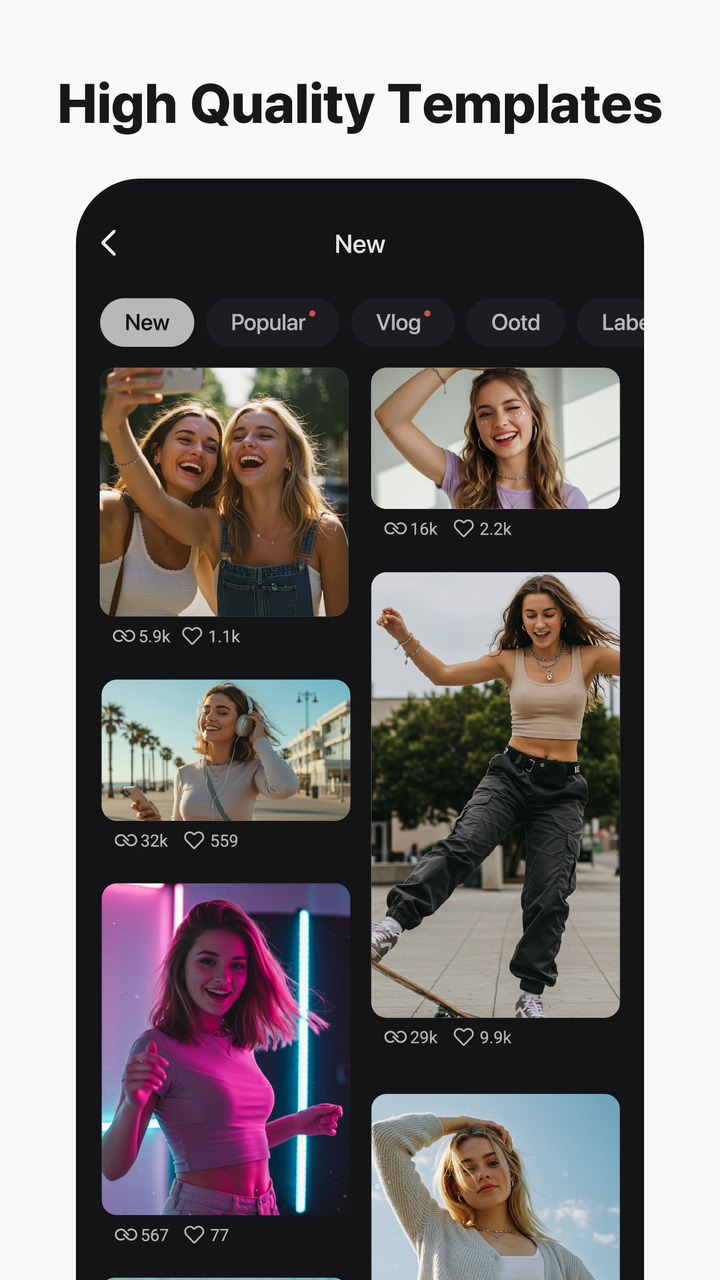
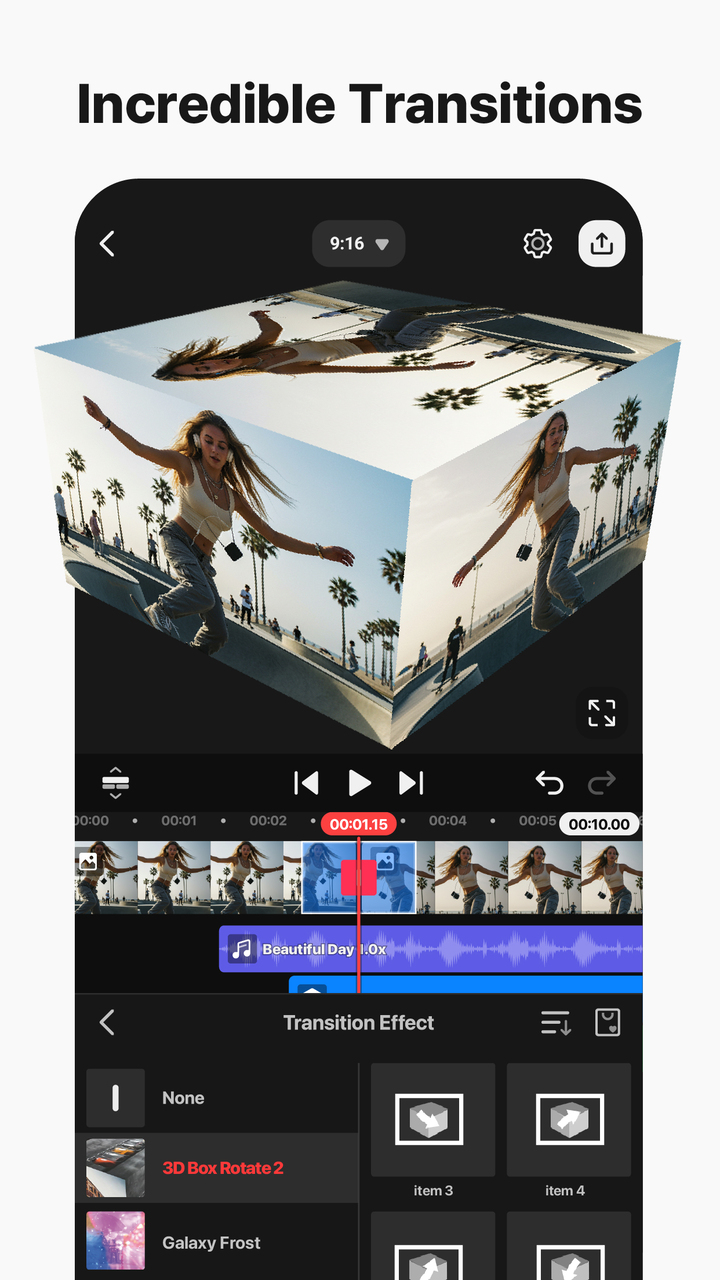
Templates and assets complete the package. Thousands of templates can be started by replacing photos and videos, Mix lets a project be saved as a template to share with other KineMaster editors, and KineCloud backs up projects to continue later or on another device. The Asset Store offers tens of thousands of effects, transitions, stickers, clip graphics, music, sound effects, stock videos and images, fonts, and color filters. Output can be high resolution at 4K and 60 frames per second, or optimized for social sharing, with transparent background support for compositing.