

- Developer
- Bytedance Pte. Ltd.
- Installs
- 1B+
- Downloads
- 0
- Views
- 1
- Updated
- Oct 22, 2026
Screenshots

About CapCut - Video Editor
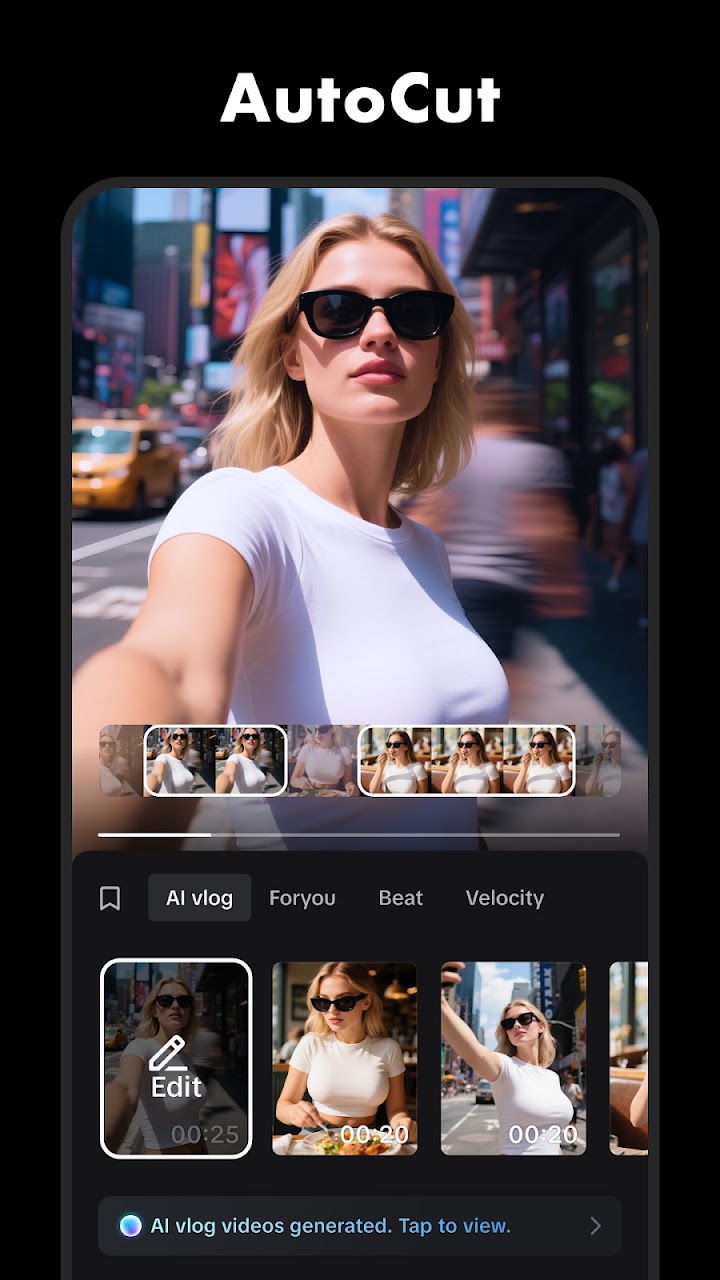
CapCut is the editor the short-video era settled on: a full multi-track timeline on a phone, friendly enough for beginners and deep enough that its advanced tools — keyframes, chroma key, optical-flow slow motion — read like a desktop suite's spec sheet. It comes from ByteDance, which explains the design center: everything is angled at making a vertical video worth posting.
Basics are instant: trim, split and merge clips, freeze a frame, drop transitions between shots, and bend time with speeds from 0.1x to 100x, shaped by speed curves. Keyframe animation applies to all settings, a stabilizer calms shaky footage, and motion tracking pins text or stickers to moving subjects.
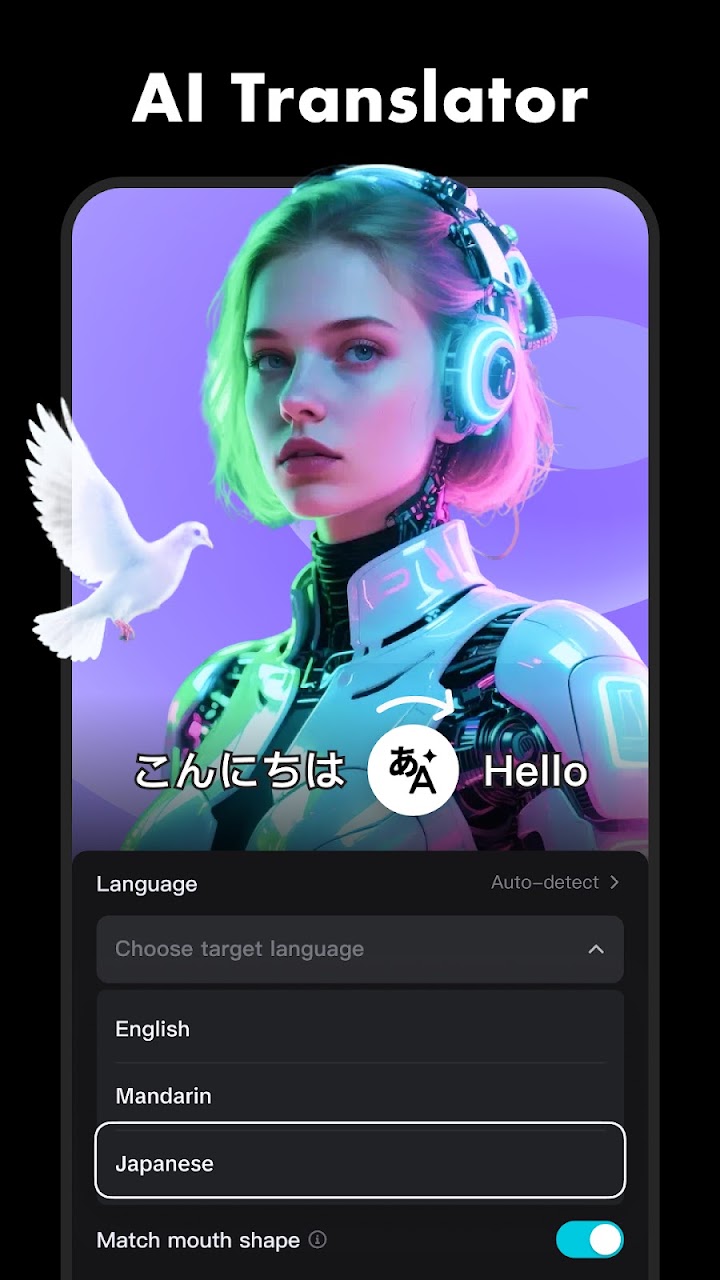
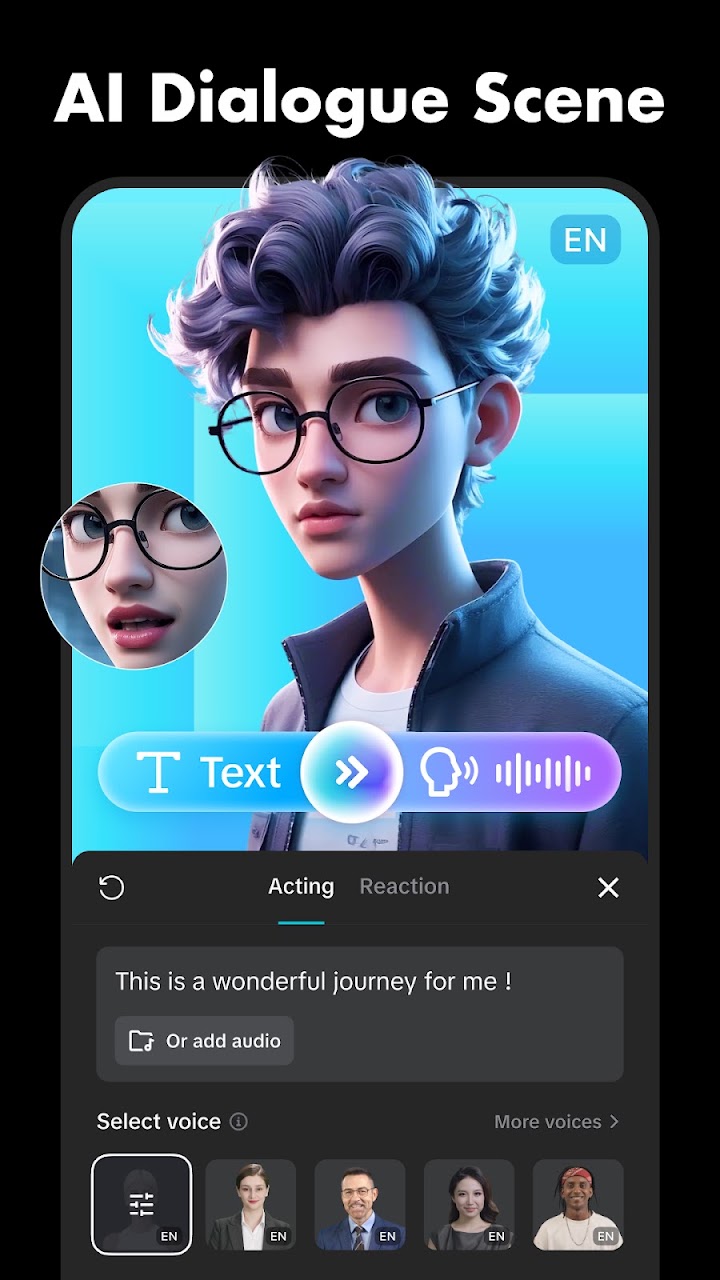
The smart tools save the tedious hours. Auto captions transcribe speech into subtitles you can restyle and reposition on the timeline; text-to-speech reads your script back in multiple languages and voices; background removal cuts subjects out with no green screen. Text templates, importable fonts and hundreds of effects — Glitch, Blur, 3D — with filters refreshed weekly keep the look current.
Sound is stocked: millions of music clips and effects, plus audio extraction from any video. Exports go up to 4K at 60fps with smart HDR and custom resolutions, formatted for wherever it's headed — TikTok, Instagram, WhatsApp, Facebook. If you publish video from your phone at any seriousness, this is the app your peers are comparing against.