

- Developer
- GoldenPlace
- Installs
- 1M+
- Downloads
- 0
- Views
- 1
- Updated
- Oct 22, 2026
Screenshots
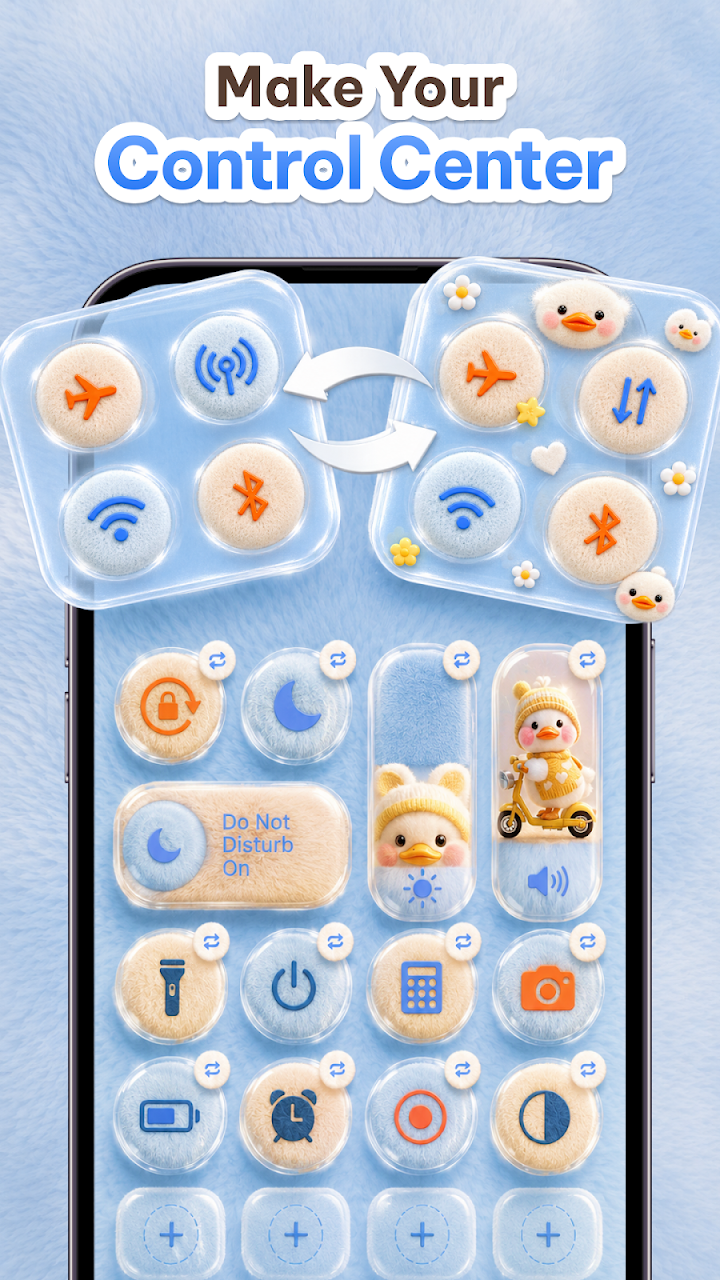
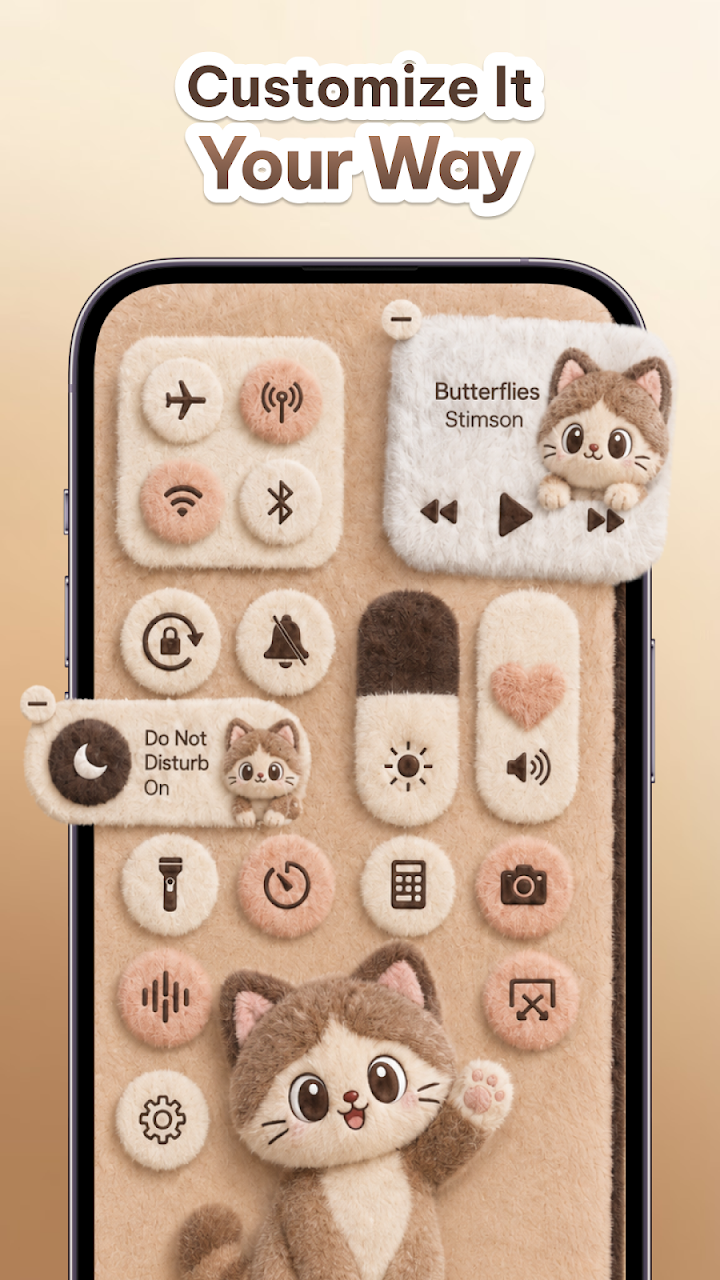
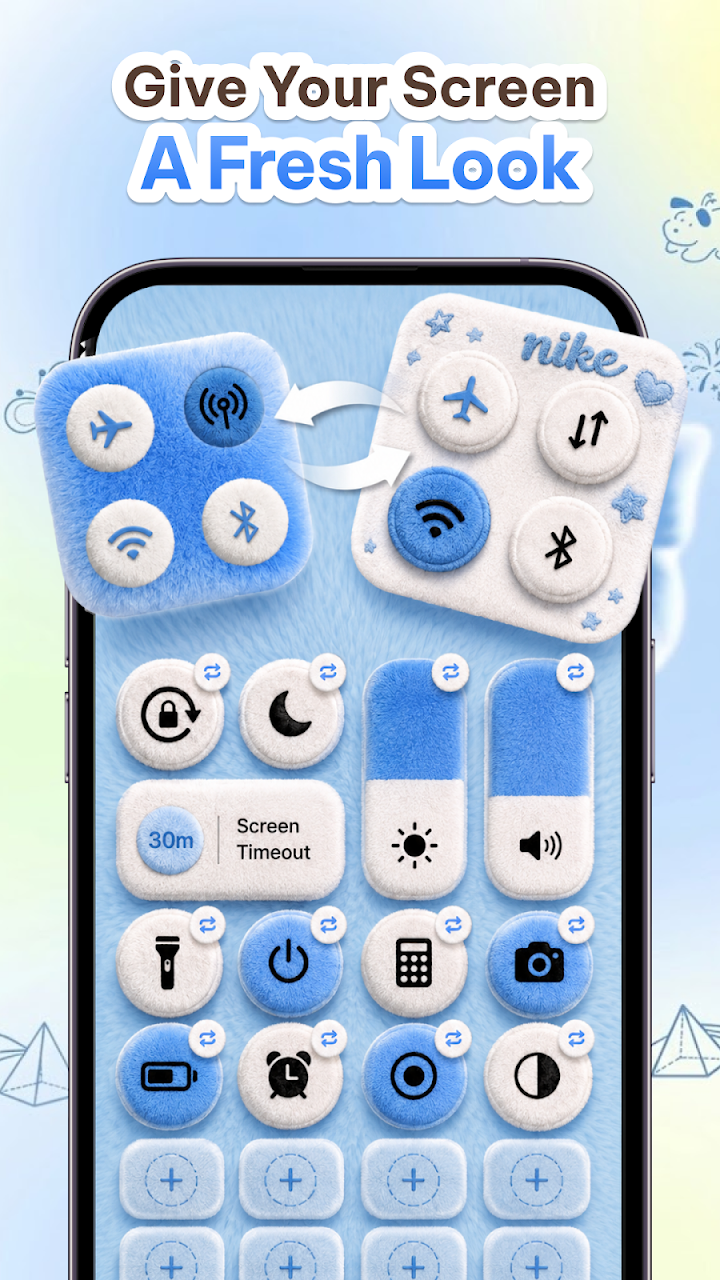

About Control Theme: Custom Panel
Android's quick-settings shade is functional and famously drab. Control Theme replaces it with a custom control panel you build yourself: pick a theme (Cute, Minimal, Dreamy and Neon are among the named styles), then add, remove and rearrange controls and favorite apps until the panel matches how you actually use the phone.
Under the paint sit the everyday switches, one swipe away: volume and brightness, Wi-Fi, Bluetooth, mobile data and hotspot, flashlight, rotation lock, sound/vibrate/silent modes, and music playback control — plus one-tap launches for Camera, Calculator, Alarm and your chosen apps. Colors, size, position and transparency are all adjustable, and widgets can join the panel for faster access.
Screen tools extend it further: quick screenshots, screen recording with flexible audio options, media control without leaving your current app, and floating controls for device management over whatever else you're doing. The app is pitched as lightweight, battery-friendly, multilingual and free to use.
Two disclosures deserve plain print. First, some panel features run through Android's Accessibility Service API — the developer says it's used only to enable those features, with actions performed on your interaction; that's a powerful permission, so grant it knowingly. Second, the crowd's verdict is rough: a 1.4 rating across 1M+ downloads is about as poor a reception as an app this size can have. The feature list is generous; the ratings say the lived experience often isn't. Try it for the themes if you like — eyes open.